

 Add to Chrome — free
Dedicated Workspaces
Create a workspace for each project, team, or area of your life rather than mixing everything together.
Work, client research, a side project, personal reading: each deserves its own space. Zen Tabz keeps them separate so you can close one context and open another in a click, without rebuilding anything by hand.
These three ideas are easy to blur, so here is the distinction Zen Tabz draws. A collection is a saved set of tabs, named so you can find it later. A session is everything you had open at once, restored together as a unit. A workspace is the project or context those collections belong to: the folder that keeps a project’s research, drafts, and reading list in one place.
Most tab overload comes from mixing unrelated work in one window. When a client project, a personal trip, and a side build all sit in the same tab bar, none of them feels finished, and closing any tab feels like a risk. A workspace fixes that by giving each context a home you can return to, so closing the tabs costs nothing and starting the next project is one action instead of ten minutes of setup.
Workspaces live in your browser by default, with no account required. Optional encrypted cloud sync is available if you want the same workspace on a second computer.
A short demo of saving a session into a workspace and restoring it later.
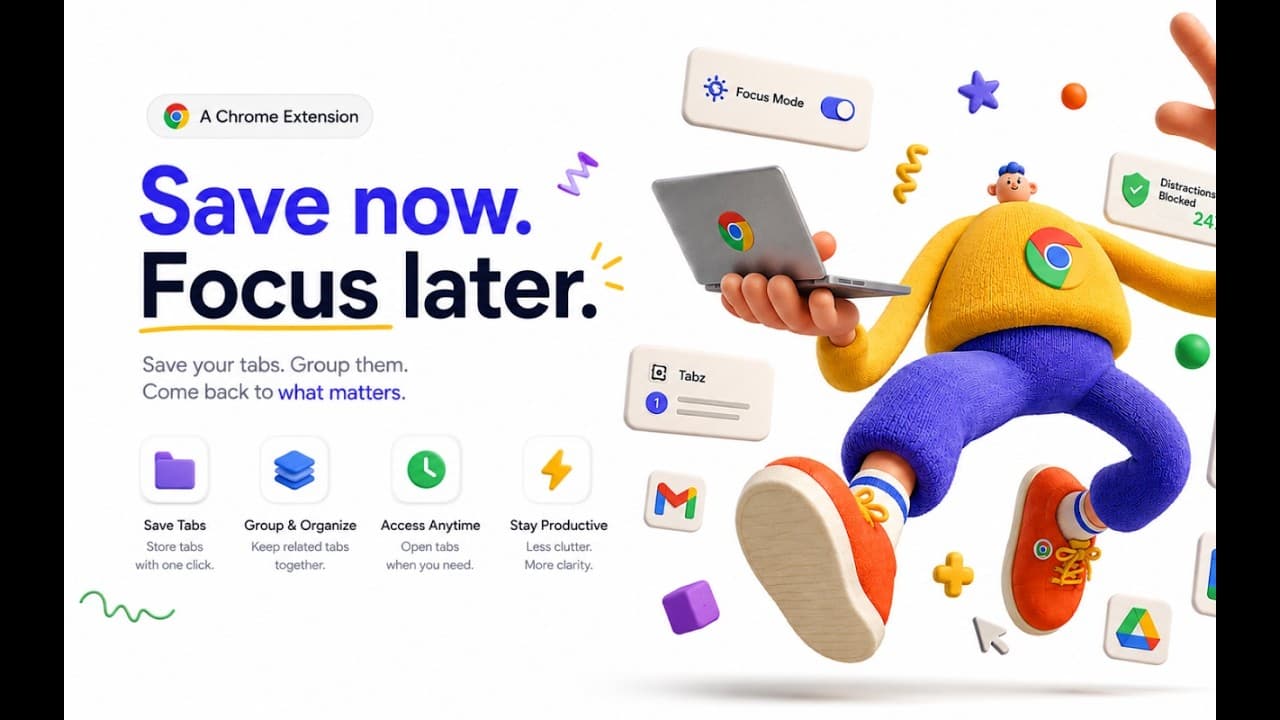
Create a workspace for each project, team, or area of your life rather than mixing everything together.
Close the current context and restore another workspace in a single action.
Keep a project’s collections together under its workspace so everything for that context sits in one place.
Restoring a workspace brings its tabs back with Chrome tab groups and pinned tabs intact.
Find any saved tab or collection without remembering which workspace it lives in.
Turn on encrypted cloud sync to use the same workspaces across Chrome browsers.
Give every project its own space and switch contexts in one click. Free for Chrome.
Works on Chrome 110+. No account required.